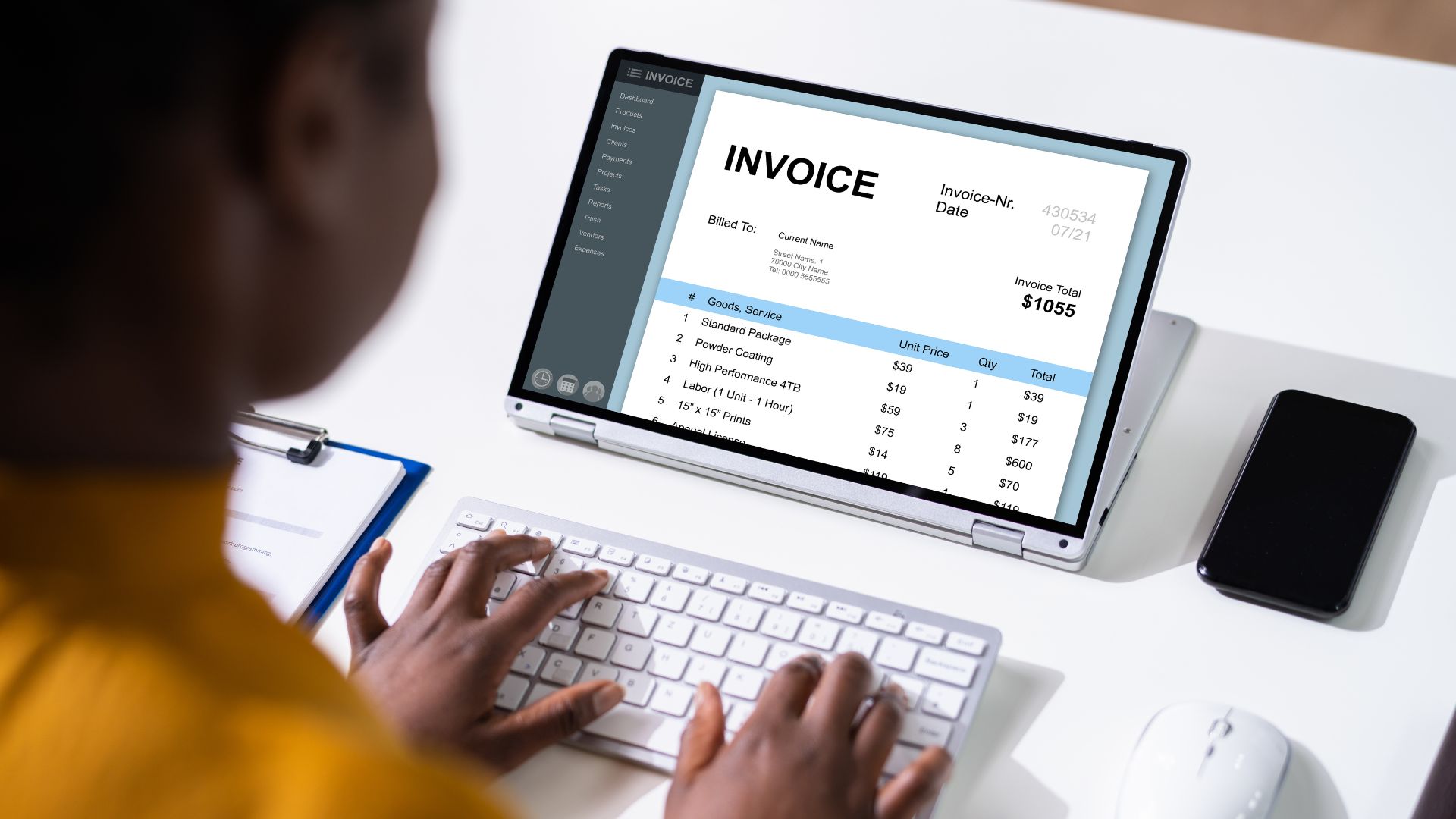

A UAE Tax Registration Number helps identify a person registered with the Federal Tax Authority for tax purposes. When a supplier charges VAT, checking its TRN can be a useful part of supplier onboarding, invoice review, and VAT reconciliation.
The Federal Tax Authority provides a public TRN verification tool on its website, so businesses do not need to rely on third-party lookup services. The check itself is straightforward, but interpreting the result requires some care. A valid TRN confirms registration information; it does not automatically prove that every invoice field, VAT rate, or input-tax claim is correct.
A Tax Registration Number, or TRN, is a unique number issued by the UAE Federal Tax Authority to each person registered for tax purposes.
This is the definition used in the FTA's official tax glossary.
For VAT purposes, an eligible person applies for registration with the FTA through EmaraTax. Once successfully registered, the business obtains its VAT TRN and can access its registration information through its tax account. The FTA's VAT registration service provides the current registration process.
A TRN should not be confused with other business identifiers.
For example, a company's trade licence number identifies its commercial licence; it is not its VAT registration number. The FTA also distinguishes a TRN from certain Tax Identification Numbers, which do not necessarily mean that the person is VAT registered.
That distinction becomes important when reviewing supplier information.

The official FTA verification process is public and relatively simple.
Visit the official Federal Tax Authority website.
The homepage currently includes a dedicated TRN verification facility.
Using the official FTA service is preferable to relying on an unofficial TRN lookup website because the registration information is being checked against the tax authority's own system.
Locate the section labelled TRN verification on the FTA website.
You do not need to sign into EmaraTax merely to use this public verification tool.
The FTA also refers users to its website's TRN verification feature in its own FAQs when explaining how TRN ownership can be checked.
Enter the TRN shown on the supplier's tax invoice or other official documentation.
The current FTA verification field requires a value that is 15 characters long.
When copying the number, check carefully for:
A verification failure caused by incorrect data entry is easier to resolve than a genuine registration mismatch, so it is worth checking the number before escalating the issue.
The FTA tool also displays an on-screen verification code.
Enter the code shown and submit the request.
If the TRN is recognised, compare the registration information returned by the FTA with the business and invoice information you have received.
The practical question is not merely whether a number produces a result. You should also consider whether the verified registration information is consistent with the supplier or customer you are dealing with.
If something appears materially different, investigate the discrepancy rather than assuming the invoice is correct.
TRN verification can be built into several routine finance processes.
Common situations include:
The connection with tax invoices is particularly important.
Under Article 59 of the UAE VAT Executive Regulation, a full tax invoice must contain the name, address, and TRN of the registered supplier. Where the recipient is also VAT registered, the full invoice must include the recipient's name, address, and TRN as well.
The current requirements are set out in the FTA's VAT Executive Regulation.
A simplified tax invoice also needs to show the supplier's name, address, and TRN.
TRN verification is therefore useful not only as a check against suspicious information. It also helps finance teams control the tax-registration data entering their accounting and accounts-payable systems.
A successful FTA lookup is one part of the invoice-review process, not the entire process.
The distinction matters.
TRN verification tells you whether the registration number is recognised by the FTA.
It does not by itself establish:
A verified TRN should therefore be considered one control within a broader VAT and invoice-review process.

An unsuccessful TRN check should be investigated before finance relies on the invoice.
First, compare the number entered into the FTA tool with the original invoice.
A simple typing error, missing character, or incorrect number provided during vendor setup can cause verification to fail.
If the number still cannot be verified, ask the supplier to confirm its VAT-registration details.
Depending on the circumstances, that may involve obtaining:
The supplier should correct its own invoice information. The customer should not simply edit the supplier's issued tax invoice internally and treat the altered document as the original.
An invalid TRN should also trigger a review before input VAT is claimed.
Article 55 of the UAE VAT Decree-Law makes receiving and retaining the required tax invoice or other permitted documentation one of the conditions relevant to recovery of input tax. The current text is available through the FTA's VAT Decree-Law.
This does not mean every TRN problem automatically creates a permanent loss of input VAT. The appropriate treatment depends on the actual documentation, transaction, and applicable recovery conditions.
The safer process is to resolve the discrepancy and obtain proper documentation before relying on the invoice for the VAT claim.
A TRN is one of several mandatory pieces of information that can appear on a UAE tax invoice.
For a full tax invoice, Article 59 requires information including:
A simplified invoice requires fewer particulars, but the supplier's name, address, and TRN remain part of the required information.
For the complete requirements and the distinction between full and simplified invoices, see HAL's UAE Tax Invoice Requirements guide.
A useful rule for AP teams is:
Verified TRN ≠ automatically valid tax invoice.
The registration number can be correct while another mandatory invoice field or the VAT treatment itself is incorrect.

A difference between the name you expected and the registration information should be reviewed, but it does not automatically mean the TRN is fraudulent.
Business structure can explain some differences.
The FTA states that branches are registered as part of their main entity's TRN rather than receiving separate VAT registrations simply because they operate under separate branch licences.
A supplier may therefore trade through a branch while the VAT registration relates to the main legal entity.
The FTA's TRN FAQs similarly explain that different trade licences may operate under one TRN where they relate to branches.
FTA guidance also permits sole-establishment trade licences owned by the same owner to be associated under the relevant VAT-registration structure rather than automatically treating every licence as a separate VAT person.
A VAT group is another important example.
The FTA's VAT Tax Group Registration service confirms that qualifying legal persons can register as a VAT group under a single TRN and be treated as one taxable entity for VAT purposes.
The practical conclusion is that a name difference should trigger comparison and investigation—not an immediate assumption of fraud.
If the invoice, supplier documentation, and verified registration information cannot be reconciled, finance should seek clarification before processing the VAT treatment.
TRN and TIN are sometimes used as though they mean the same thing, but the FTA distinguishes them.
The FTA's TRN-related FAQs specifically explain that a Tax Identification Number differs from a VAT TRN and should not by itself be taken to mean that a person is VAT registered.
This distinction is particularly relevant when setting up suppliers in accounting systems. A field labelled “tax number” should not automatically be populated with whichever government identifier happens to appear on a document.
The public FTA homepage verification process is designed around entering an individual TRN.
For businesses handling a large number of suppliers, the more practical approach is to build verification into supplier onboarding and exception management:
Supplier onboarding → Capture TRN → Verify with FTA → Record verification → Review mismatches
Finance or procurement teams can also record when a TRN was checked so that they do not repeatedly perform the same manual task without reason.
Businesses should not assume that the FTA provides a public bulk-verification API unless a current FTA service or documented technical integration specifically supports one.
This type of check works best during supplier setup and invoice review rather than only when a VAT return is about to be filed.
Accounting and ERP systems can support the data controls around TRNs by maintaining customer and supplier records, storing tax-registration information, carrying those details into invoices, and connecting invoices with the related accounting transactions.
HAL Invoicing supports invoice and credit-note processes alongside customer and payment information, while HAL Accounting connects wider accounting, receivables, payables, reconciliation, and transaction records.
That can reduce repeated data entry and help finance teams keep tax information associated with the correct customer or supplier.
However, businesses should not assume that HAL automatically verifies UAE TRNs against the FTA, provides a live FTA TRN-validation API, or guarantees that a supplier's VAT details are correct unless such functionality is specifically documented.
TRN verification is a simple but useful control within supplier onboarding and VAT invoice review:
Capture the TRN → verify it with the FTA → compare the registration information → review the tax invoice → record the verified details
The important point is not to stop at the lookup result. A recognised TRN does not replace checks on invoice particulars, transaction VAT treatment, or input-tax recovery conditions.
HAL Accounting and HAL Invoicing can support the customer, supplier, invoice, and accounting records that sit around these VAT controls.
Book a HAL demo to explore how HAL can support your accounting and invoicing workflows.
Go to the official FTA website, open the TRN verification tool, enter the TRN and verification code, and submit the request. Compare the result with the supplier or customer information you have received.
The FTA's public verification tool currently requires a 15-character TRN. When checking a number, enter it exactly as it appears on the relevant tax documentation.
The FTA currently provides the public TRN verification facility directly on its website without requiring an EmaraTax login or displaying a fee for performing the lookup.
Businesses manage their own tax registration through EmaraTax, but a public user checking a TRN can use the verification feature on the FTA website without signing in merely to perform that check.
Check for a typing error first. If the number still does not verify, contact the supplier and request the correct VAT information and, where necessary, a corrected tax invoice before relying on the document for VAT purposes.
Yes. The registered supplier's TRN is required on both full and simplified UAE tax invoices. A full invoice also includes the recipient's TRN where the recipient is VAT registered.
Branches of the same legal entity can fall under the main entity's VAT registration and TRN. A different branch or trade name should therefore not automatically be interpreted as evidence that the TRN is incorrect.