
In Saudi Arabia, midsize businesses play a crucial role in driving economic growth and achieving Vision 2030 goals. However, with expansion comes new challenges—rising transaction volumes, regulatory compliance, and the ever-present need to secure sensitive data. Accounting software, or ERP, offers a simple, modern way to solve these issues, making managing finances easier and staying competitive.
Globally, Gartner defines midsize businesses as those with 100 to 999 employees or annual revenue between $50 million and $1 billion. In Saudi Arabia, the Small and Medium Enterprises General Authority (Monsha'at) uses a slightly different scale:
|
Business Size |
Number of Employees |
Annual Revenues (SAR) |
|
Micro |
1 to 5 |
Up to 3 million |
|
Small |
6 to 49 |
3 to 40 million |
|
Medium |
50 to 249 |
40 to 200 million |
|
Large |
250+ |
Over 200 million |
Knowing where your business fits is the first step to finding the right tools to support your growth. If you're managing one of these growing businesses, you know how important it is to have reliable accounting software that can keep pace with your growth.
Below, we review the best accounting software for medium-sized businesses, highlighting their key features. Let’s dive in!
As your business grows, so does the complexity of your finances. Manual accounting methods or spreadsheets quickly become inefficient and error-prone. Cloud accounting software for medium-sized businesses is specifically designed to handle this complexity.
With the right software, you can:
Unlike tools designed for small businesses, accounting software for midsize businesses offers scalability, robust integrations, and industry-specific capabilities. When searching for the best accounting software for your midsize business, certain core features are a must. Let’s explore them.
To go beyond basic bookkeeping, midsize business accounting software provides essential features that simplify processes and save time. Here are the core features to prioritize:
Apart from these core features, midsize businesses often need advanced tools to handle complex financial tasks and gain deeper insights into their performance. Let’s examine them.
For midsize businesses, advanced features in accounting software can help manage complexity and improve efficiency. Here are the key ones to look for:
With these advanced features in mind, you’ll be better equipped to choose the best accounting software for your business.
We compared these platforms across six practical factors: Saudi VAT and ZATCA readiness, accounting depth, multi-entity scalability, reporting and automation, integrations, and suitability for midsize operations.
HAL Simplify publishes this guide and offers HAL ERP. Businesses should therefore validate every shortlisted option—including HAL—through product demonstrations, customer references, implementation scope, support commitments and total cost of ownership.
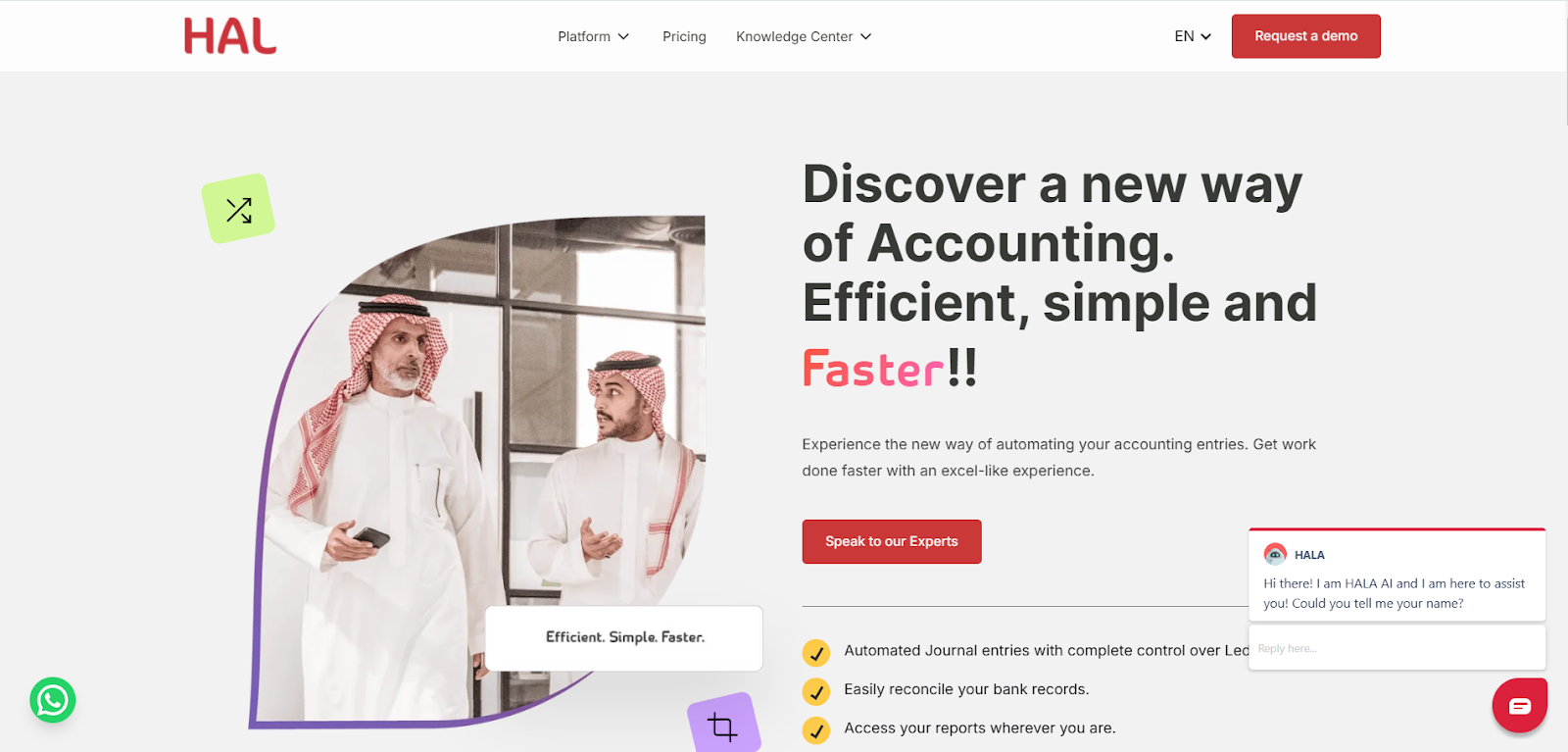
Best for: Saudi midsize businesses that need an adaptable, locally implemented ERP connecting accounting with wider business operations.
HAL ERP’s accounting platform supports automated journal entries, accounts receivable and payable, bank reconciliation, reporting and bulk financial processing. As part of the broader HAL ERP suite, businesses can connect finance with invoicing, expenses, procurement, inventory, sales, HR, projects and other operational workflows.
HAL also offers VAT CARE, an integration-ready ZATCA Phase 2 e-invoicing solution that can work with HAL ERP or connect to an existing ERP through APIs or Excel/CSV uploads.
Key features of HAL ERP:
Explore HAL’s customer success stories to understand how the platform is used across different industries and operating models.
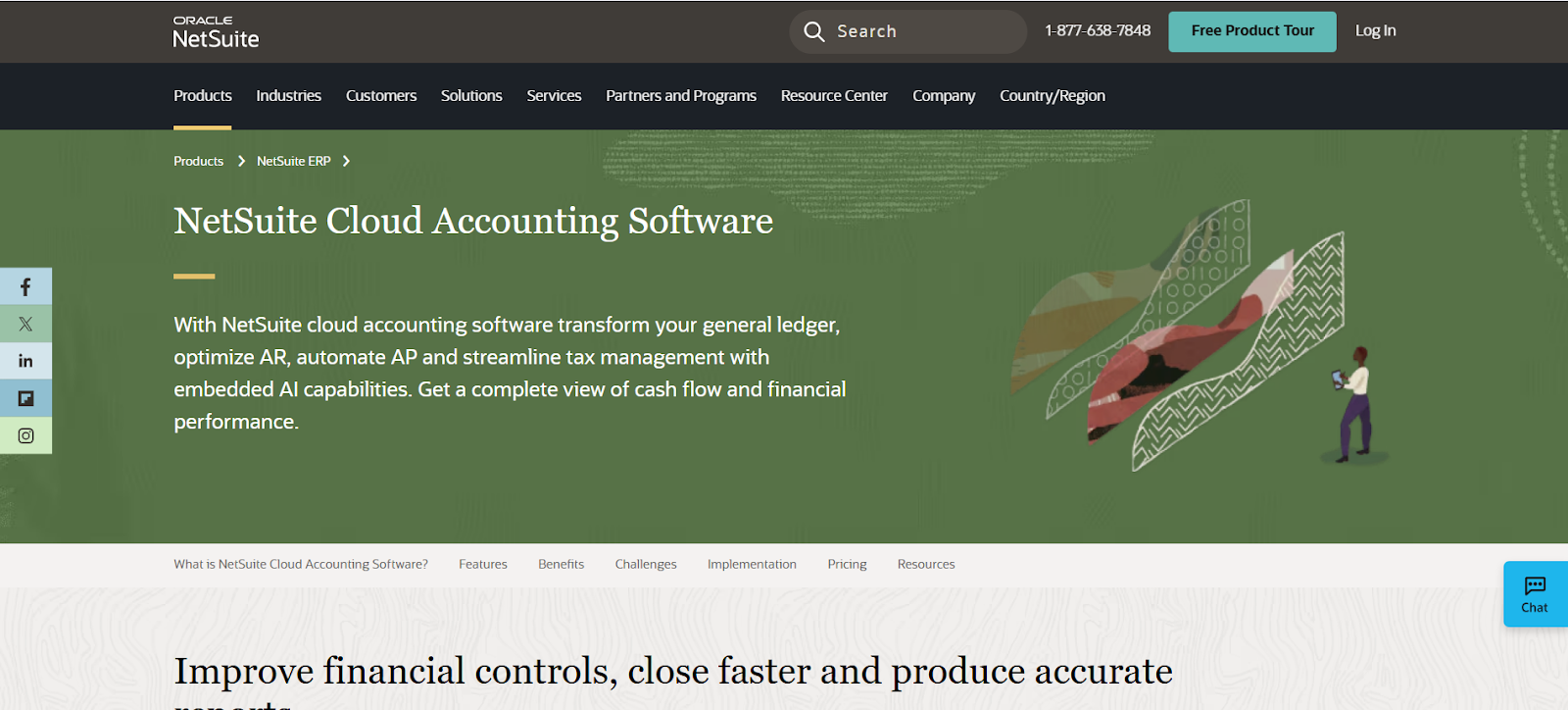
Best for: Global midsize companies with expansion plans
NetSuite, by Oracle, is a cloud-based ERP solution designed to help growing businesses. It offers tools for managing operations, finances, and supply chains in one platform. For businesses expanding globally, the NetSuite OneWorld module supports international accounting and multi-unit management.
Key Features of NetSuite ERP:
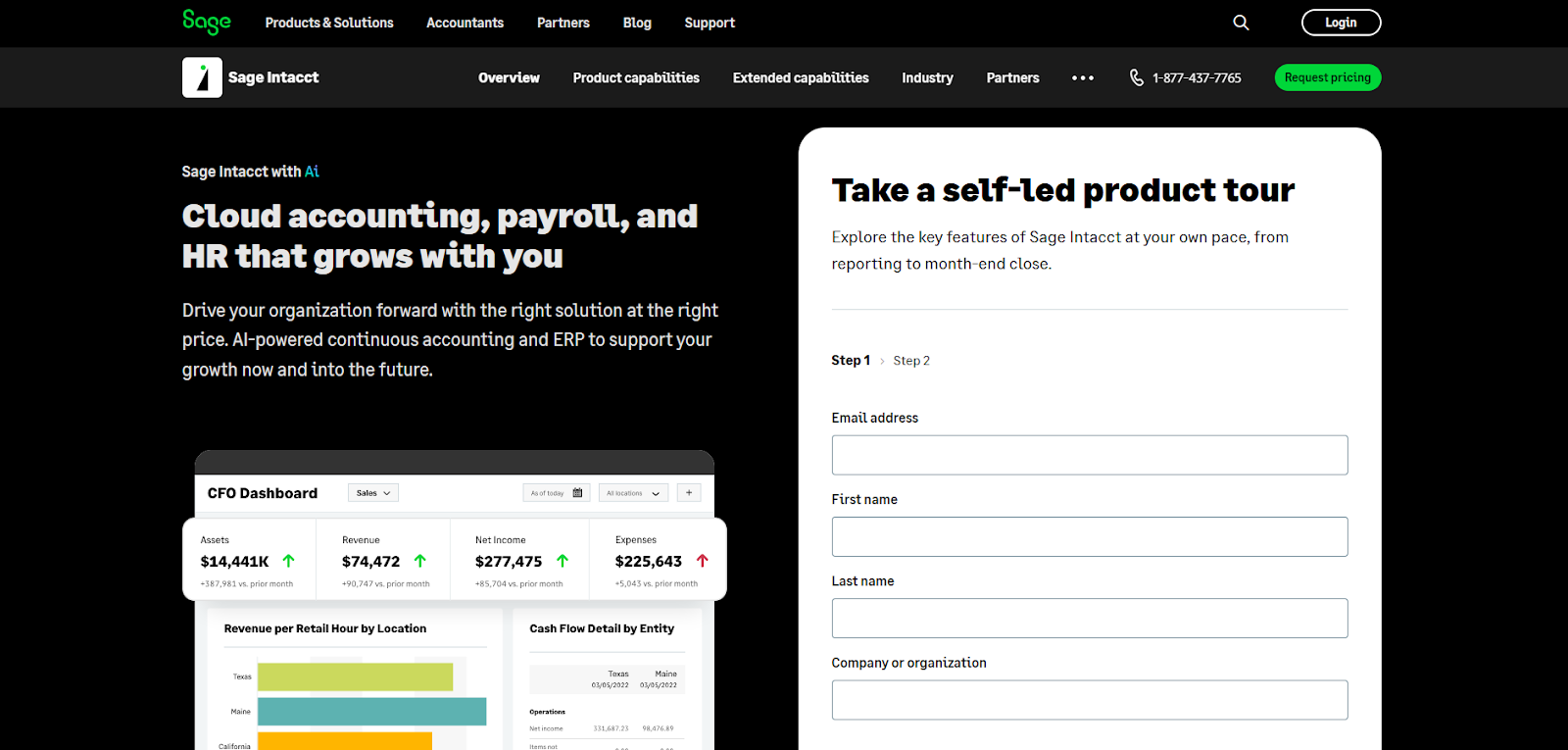
Best for: Multi-entity finance teams that prioritize dimensional reporting, financial controls and global accounting capabilities.
Sage Intacct is a cloud financial management platform designed for growing and midsize organizations. It supports multi-entity consolidation, dimensional reporting, accounts payable automation, budgeting, planning and real-time financial visibility.
Sage describes Intacct as the only AICPA-preferred finance solution. The platform also offers more than 350 integrations and extended capabilities across analytics, planning, human capital management and payroll.
Key features of Sage Intacct:
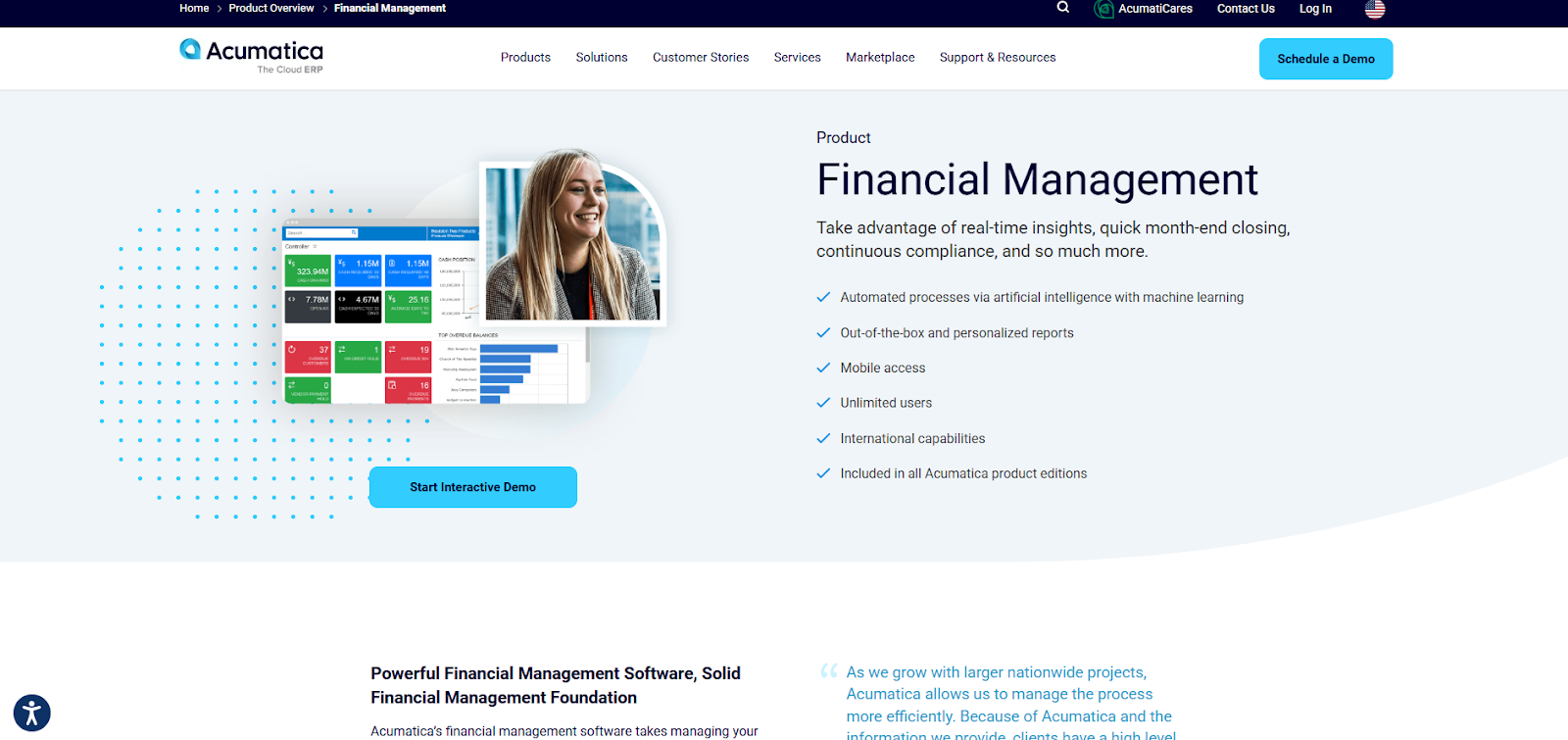
Best for: Growing businesses that want an industry-focused cloud ERP without per-user seat pricing.
Acumatica is a cloud ERP platform that connects finance, inventory, projects, CRM and operational workflows. It offers industry editions for areas such as construction, distribution, manufacturing, retail and professional services.
Acumatica allows unlimited users under a pricing model based on the applications selected, expected transaction usage and resources, and deployment preferences. This can benefit companies that need broad system access, although buyers should still request a detailed usage-based cost estimate.
Key features of Acumatica:
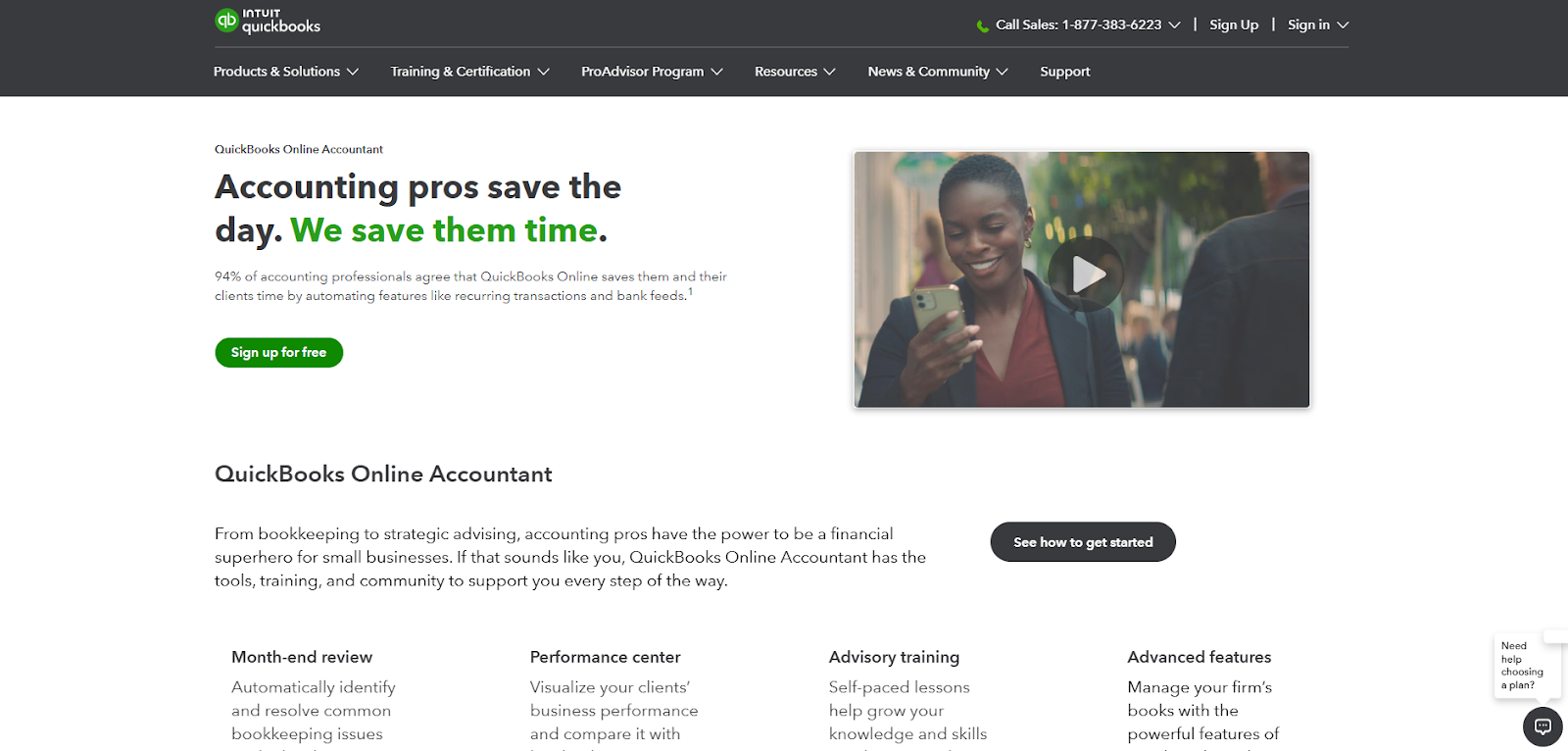
Best for: U.S.-centric midsize businesses that need desktop accounting, advanced inventory, job costing and optional hosted access.
QuickBooks Desktop Enterprise is a business-management and accounting product rather than the same platform as QuickBooks Online. It offers industry-specific editions, advanced inventory, order management, job costing, multi-company features and more than 200 reports.
Cloud hosting is available as an additional subscription, and selected plans support up to 40 users. However, Saudi businesses should independently confirm ZATCA integration, Arabic invoicing, local tax support and regional implementation services before selecting it.
Key features of QuickBooks Desktop Enterprise:
You can also explore the top alternatives to QuickBooks here.
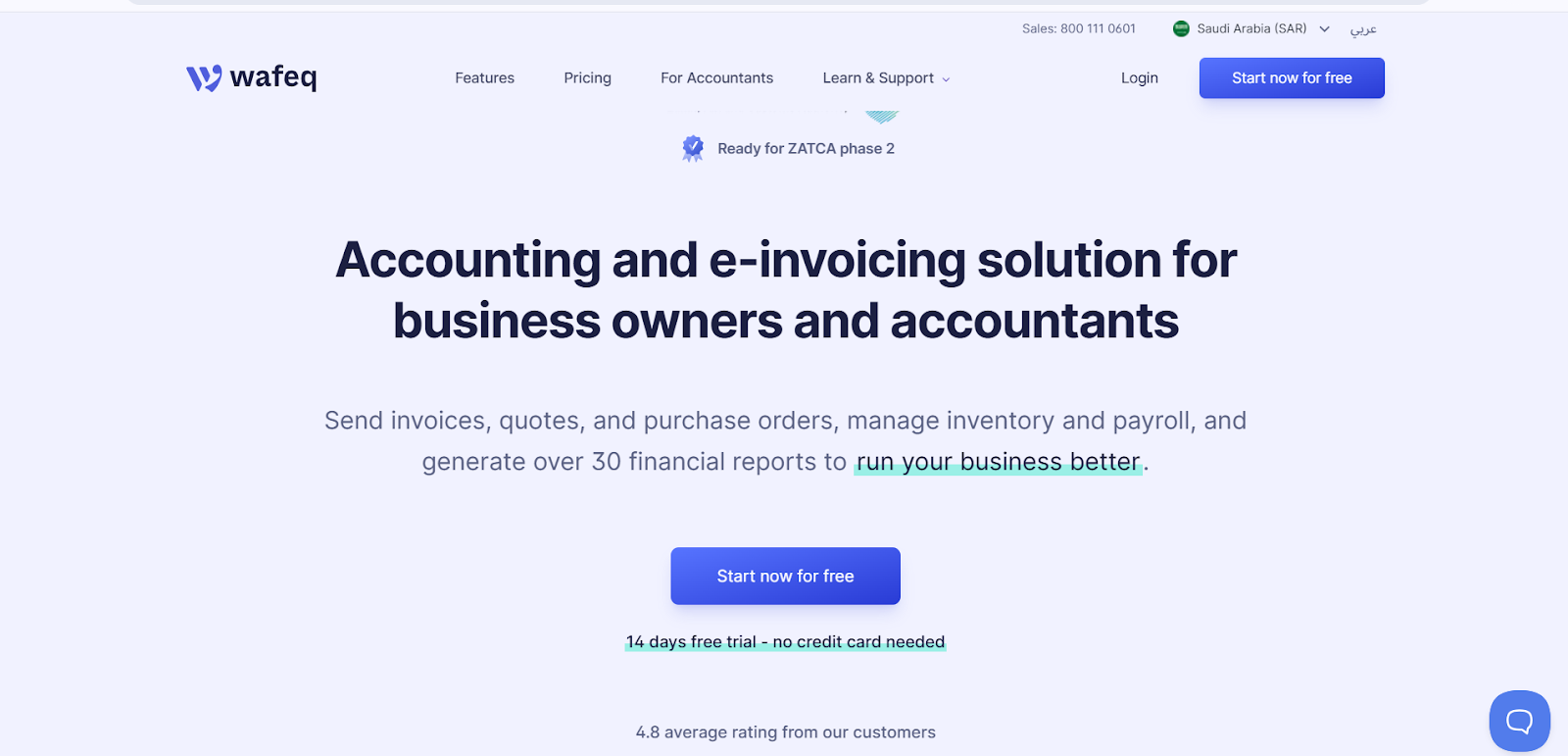
Best for: Saudi SMEs that want accounting, payroll, inventory and ZATCA e-invoicing in one accessible platform.
Wafeq is cloud accounting and e-invoicing software designed for businesses in Saudi Arabia and other regional markets. Its current platform combines accounting, ZATCA Phase 2 e-invoicing, payroll, inventory and financial reporting.
Wafeq may suit companies that want a focused accounting platform rather than a heavily customized, organization-wide ERP. Midsize businesses should assess its fit against their entity structure, approval workflows, industry requirements and integration complexity.
Key features of Wafeq:
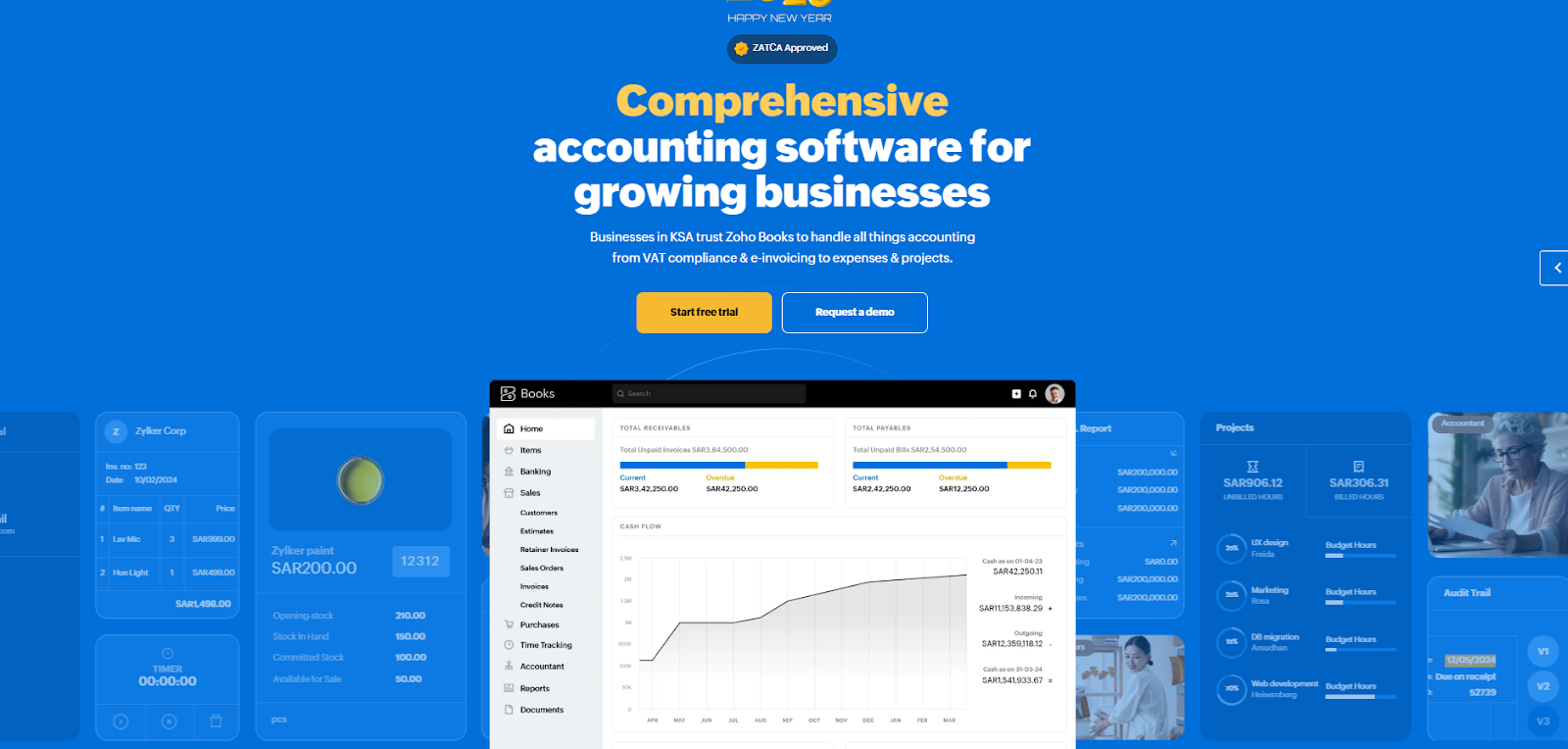
Best for: Saudi SMEs already using the Zoho ecosystem and looking for localized accounting and ZATCA Phase 2 e-invoicing.
Zoho Books is cloud accounting software with a localized Saudi edition. Zoho states that its platform is a ZATCA-approved Phase 2 e-invoicing solution and supports bilingual invoices, invoice-status tracking, validation and QR-code requirements.
Its integration with other Zoho applications can benefit businesses already using Zoho CRM, Inventory, Projects or related products. Midsize companies should still evaluate multi-entity consolidation, customization, implementation support and industry-specific workflows before selecting it.
Key features of Zoho Books:
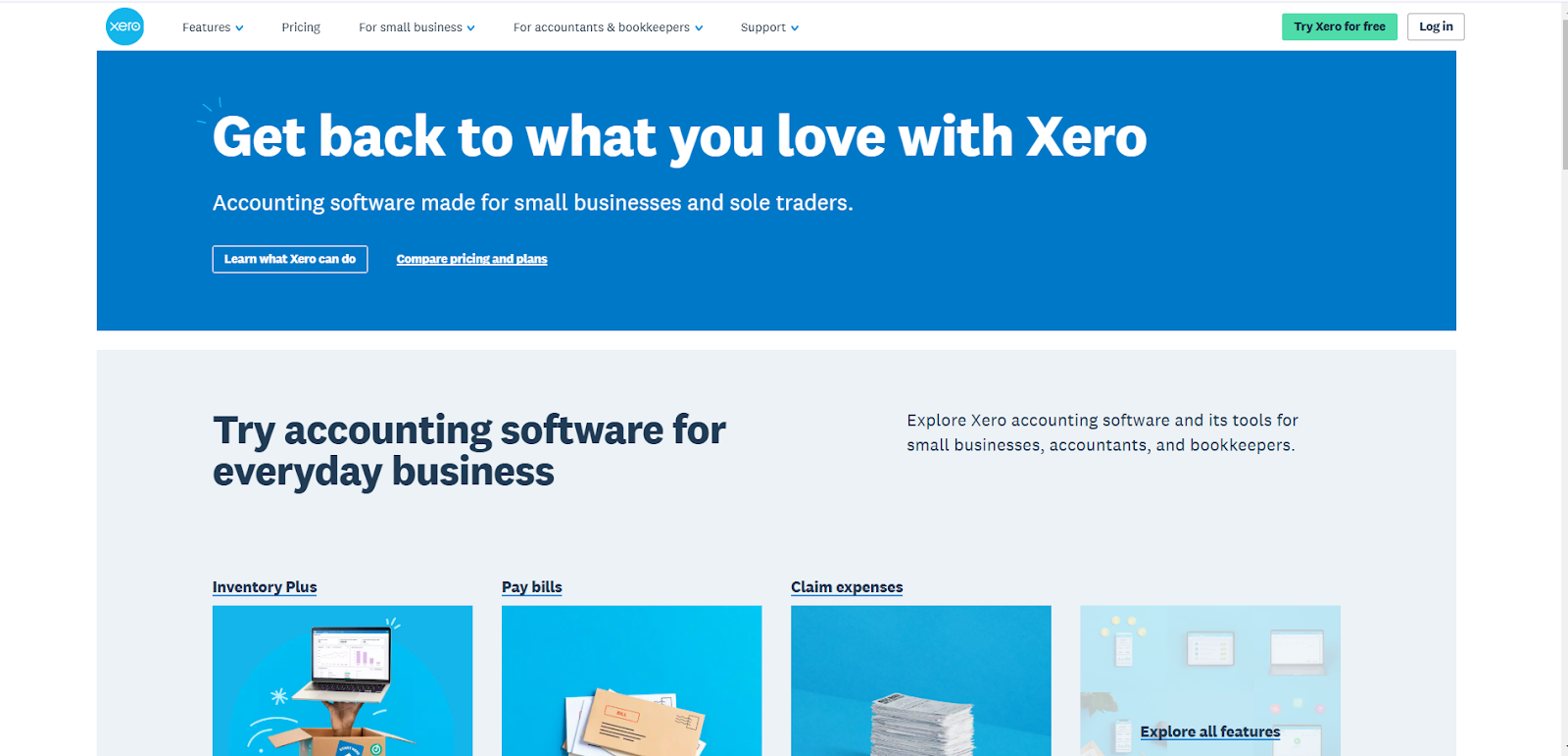
Best for: Smaller internationally active businesses that prioritize usability, core cloud accounting and a broad application ecosystem.
Xero is cloud accounting software designed primarily for small businesses, accountants and bookkeepers. It offers invoicing, bank feeds, reconciliation, expense management, reporting and integrations with third-party applications.
Xero may be useful for international accounting requirements, but Saudi businesses should not assume that general VAT functionality provides native ZATCA Phase 2 integration. Confirm whether a separate local solution, integration partner or e-invoicing platform will be required.
Key features of Xero:
Before shortlisting a platform, review its current product documentation and request a Saudi-specific demonstration. Ask the vendor to demonstrate ZATCA Phase 2 workflows, Arabic or bilingual invoicing, multi-entity reporting, approval controls, audit trails, integrations, data migration and support processes.
Compare implementation fees, customization charges, user or usage limits, hosting costs and ongoing support—not only the advertised subscription price. Third-party reviews can supplement this evaluation, but they should not replace product validation and customer references from businesses with similar requirements.
Here’s how:
Having seen the benefits, the next step is choosing the accounting software tailored to your business needs.
When choosing the best accounting software for your midsize business, focus on a few key factors: functionality, growth potential, and pricing.
There is no single best accounting platform for every midsize business. The right choice depends on your industry, transaction volume, entity structure, operational complexity, integrations and ZATCA obligations.
A focused accounting platform may be sufficient when the main requirement is bookkeeping, invoicing and reporting. A broader ERP is more appropriate when finance must connect with procurement, inventory, sales, HR, projects, manufacturing or other operational functions.
The best option is the platform that matches your financial complexity, industry workflows, integrations and ZATCA requirements. Businesses that need a locally implemented, customizable ERP may shortlist HAL ERP, while companies with different geographic, reporting or ecosystem requirements may prefer one of the other platforms covered above.
No. Accounting software primarily manages financial transactions and reporting. ERP software connects accounting with additional business functions such as inventory, procurement, sales, HR, projects, services or manufacturing.
No. General VAT functionality does not automatically include Phase 2 integration. Confirm support for invoice clearance or reporting, XML requirements, QR codes, cryptographic requirements and integration with ZATCA’s systems for your applicable taxpayer wave.
For Saudi midsize businesses that need more than standalone bookkeeping, HAL ERP connects finance with invoicing, expenses, procurement, inventory, sales, HR, projects and wider operational workflows.
Its ZATCA-ready e-invoicing capabilities, adaptable workflows, Saudi-focused implementation, local integrations and WhatsApp-based reports, claims and approvals make it a strong option for businesses seeking a connected ERP environment.
Book a HAL ERP demo to evaluate the platform against your current workflows, integration requirements and compliance needs.