

In short: A homework register records every assignment once, with its date, type, due date and how many students did not submit. A student planner records the same assignment where parents can see it. Together they show how much work each class carries each day, who is falling behind and whether parents know. Subject teachers fill the register, class teachers check the planners each week, and the supervisor reads a monthly view. Below: how the two fit, a weekly workload view, a parent sign-off, a late-and-missing policy, and a free kit (PDF guide and Excel tracker).
It is Wednesday evening and a Grade 6 parent opens the planner. English wants a paragraph, Math a worksheet, Science a labelled chart and Arabic a page of copying, all for tomorrow. Each teacher set a reasonable task. Nobody saw the four together, and the planner has no entry for two of them. The child is up late, the parent is cross, and on Thursday morning the class teacher counts eleven missing submissions.
Most schools set homework. Fewer can say how much a class carries on a given night, or whether parents were told. This article explains two simple tools. The class homework register is the school's record of what was set and who did not submit. The student planner (the school diary or handbook) is the home's record of the same work. Whoever supervises in your school, whether head of department, compartment head, vice principal or supervisor, reads the picture once a month. The free homework and planner kit at the end gives you the forms, a rating-free checklist and an Excel tracker that adds it up.
If you supervise a section of a school, some of these will sound familiar.
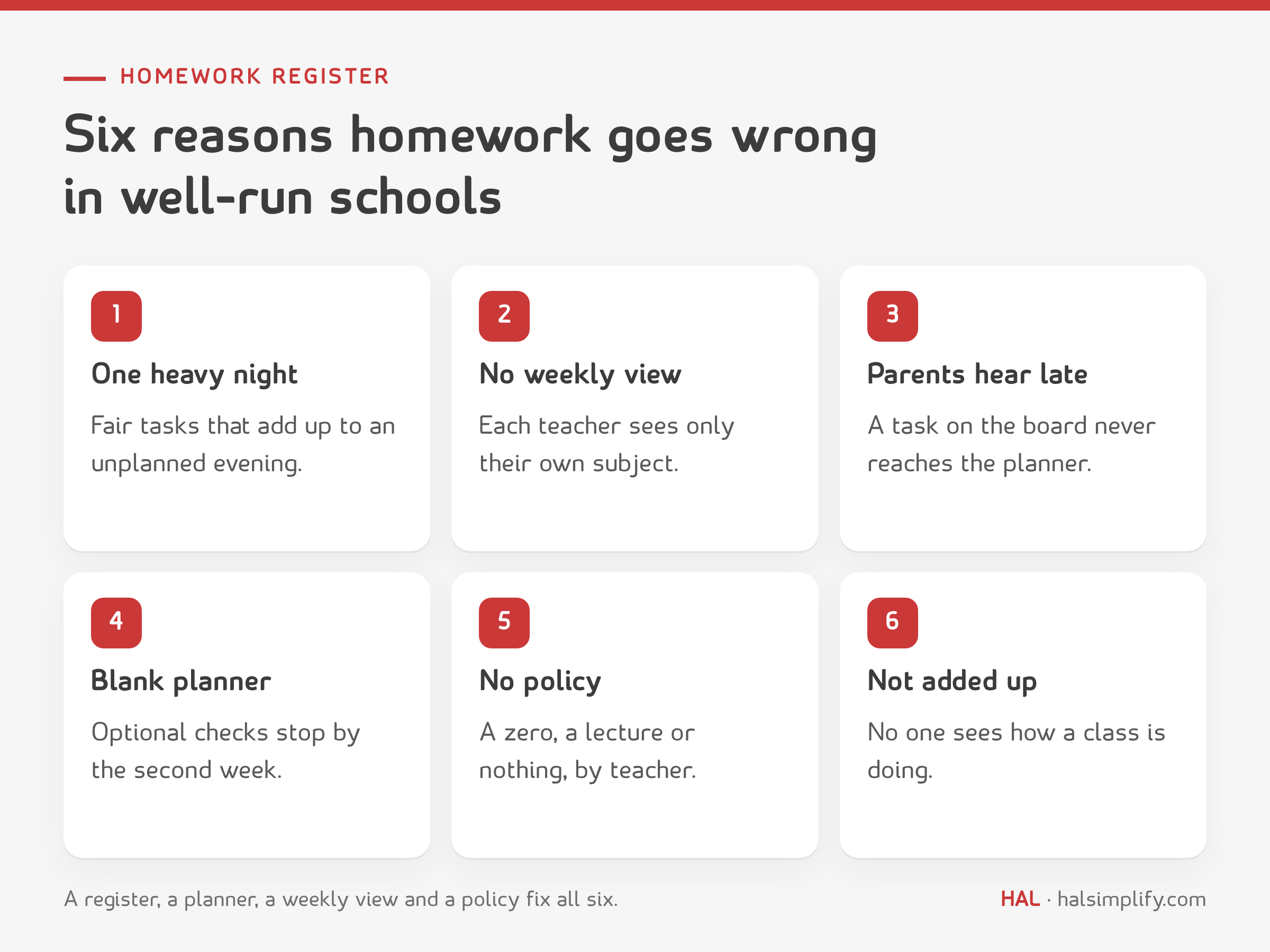
A shared register, a weekly view, a parent sign-off and a short policy deal with all six.
The register is one page per class per week. Each subject teacher fills in their own rows. For every assignment, they record:
| Field | What goes in it | Why |
|---|---|---|
| Date set | The day it was given | Shows the pattern across the week |
| Type | Written work, assignment, chart or model work, project, reading or revision | Chart work and projects need longer notice than a worksheet |
| Description | One line the student can act on | The same line goes in the planner |
| Due date | The day it is expected | The week-at-a-glance view reads this |
| Incomplete | How many students did not submit | Counts become a rate in the monthly view |
Homework is wider than a page in a notebook or a textbook exercise. It includes assignments, chart work, models, projects, reading and revision, and the register records all of them the same way. A good line reads like this: "28 Oct, written work, write five lines about your body parts, due 30 Oct." Or: "28 Oct, chart work, label the water cycle on a chart, due 4 Nov." The original register used the same pattern: date, type of activity, description. The due date is the one addition, and it makes everything else possible. Count a chart or a project as one task on the day it is due, and note the date it was set, so a long task is not mistaken for a late one.
The planner is the student's diary. Its job is to tell the home what is expected and to let the home reply. A school planner has pages of five kinds.

Weekly pages carry the most weight. If they are filled in and initialled, the planner works. If they are not, the other pages do not rescue it.
Teachers cannot balance what nobody shows them. The register's week at a glance counts, for each class, the tasks due on each school day, Sunday to Thursday. The supervisor sets one limit for the school, for example no more than three tasks due on any one day for a class. That number is a starting point. Your timetable and grade decide the right one, and it is a setting in the kit.

When a day is over the limit, the class teacher asks the subject teachers to move one due date. It is a conversation about the week, not an instruction about a person.
Plan the week before it happens: a homework timetable. The week at a glance shows what was set. A homework timetable decides it in advance. For each class, agree at the start of term which subjects set homework on which days, so that no day carries more than your limit, usually two or three pieces. Homework is then set from that plan, based on what was taught that day and kept short. Students submit by the next class, which gives the register a clear due date. The kit's Homework Timetable sheet holds one grid per class and counts the pieces planned each day. Put the plan beside the week at a glance and you can see where reality drifted from it.
The class teacher checks the planners once a week, on a set day. In a Sunday to Thursday week, Thursday works because the weekend has not started and parents have seen the week. The check takes a few minutes per planner and has three questions:
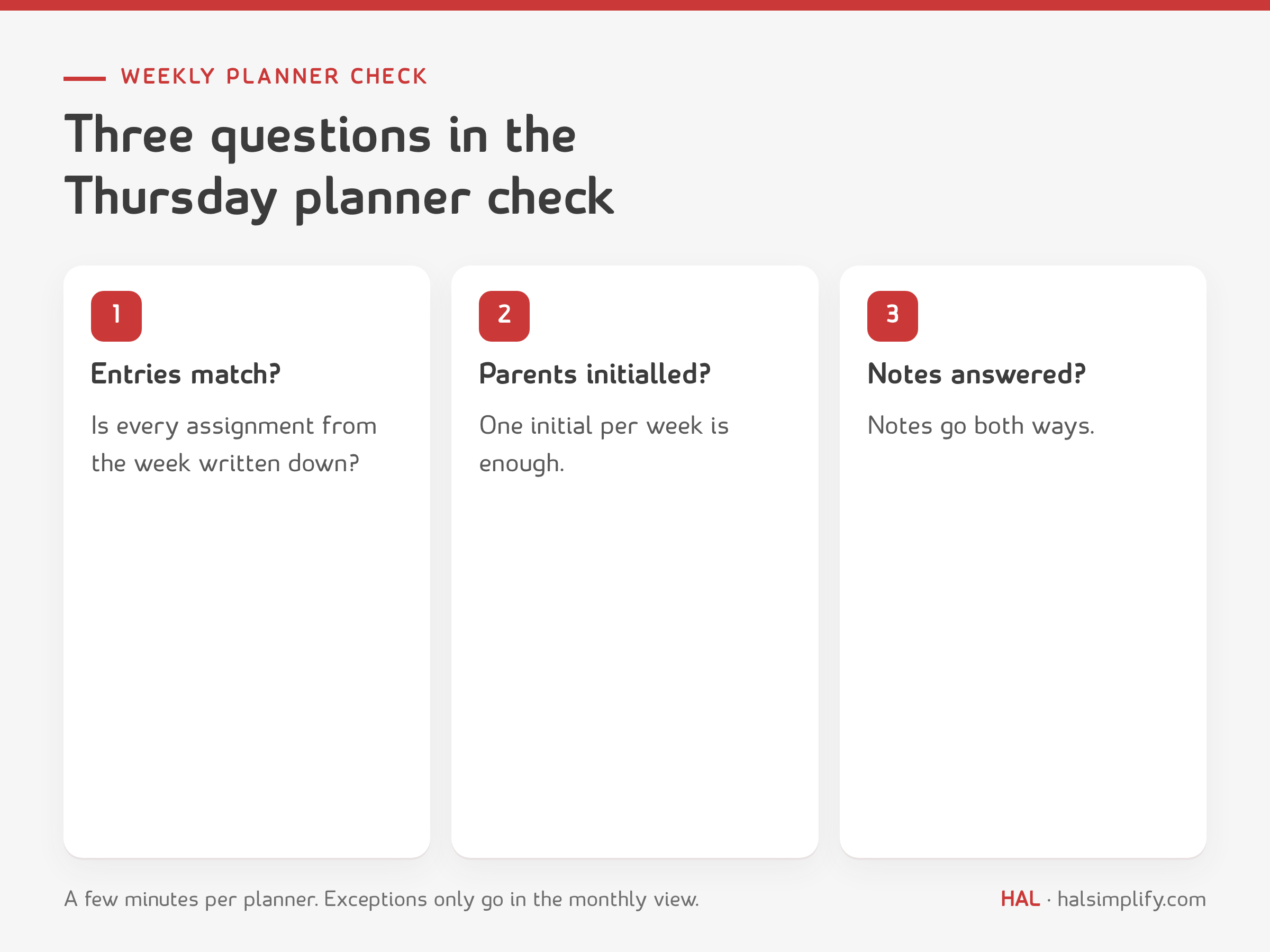
Record what you find on the planner check sheet, and write down only the exceptions in the monthly view. Students whose planners are blank or unsigned get a short reminder the same day.
The parent's weekly initials show that the home has seen the week. The notes line goes both ways. A teacher can write "needs help with fractions", and a parent can write "late back from travel". A few circulars, exam dates and school events in the same book mean parents have one place to look.
If the planner is the only place a task appears, parents see it. If the board is the only place, parents hear it second-hand. So the rule is simple: no task is set without a planner entry.
Missing work needs a plan so teachers respond the same way. Here is a suggested ladder.
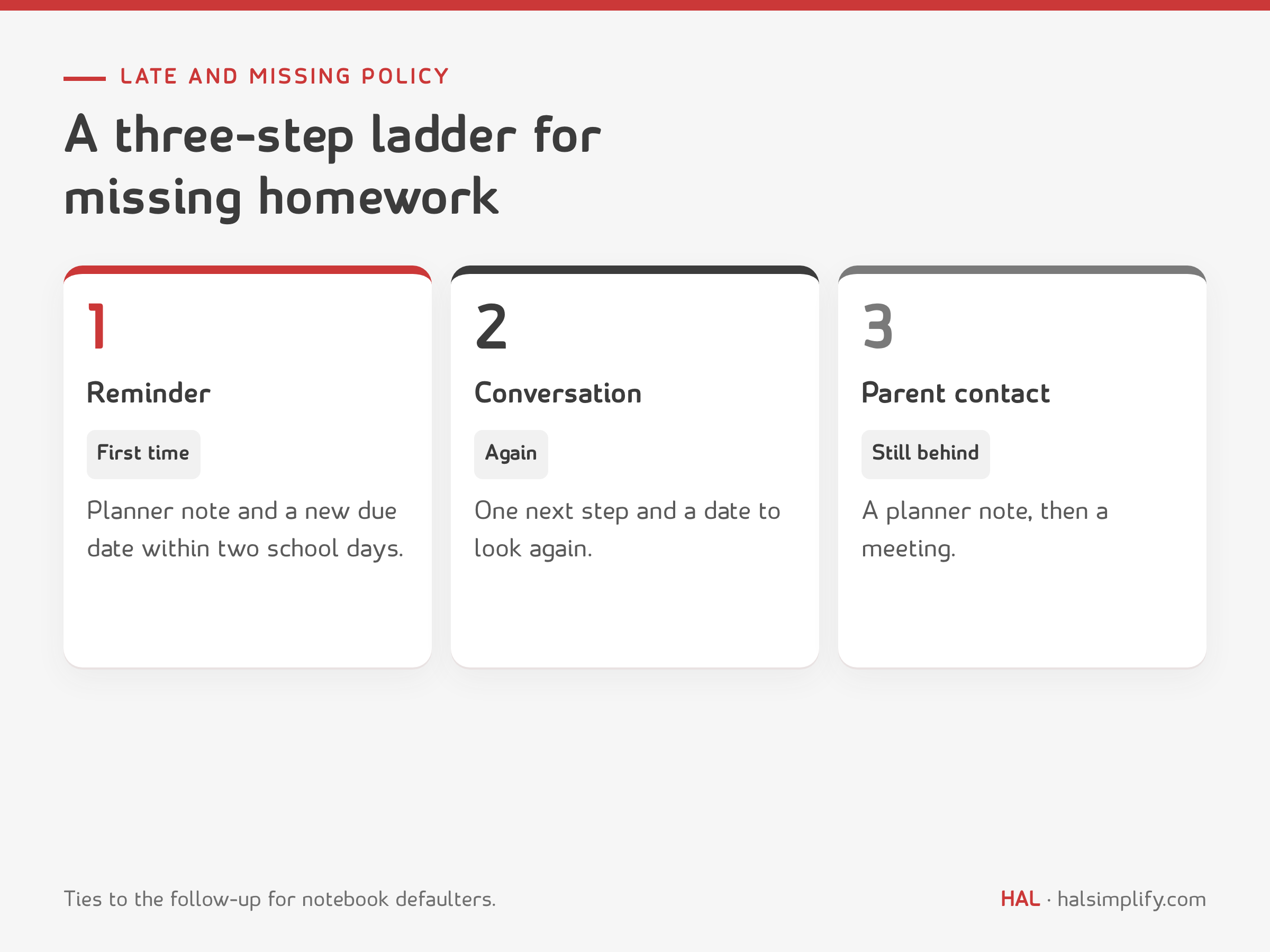
| Step | When | What happens |
|---|---|---|
| 1 Reminder | First missing task | A planner note and a new due date within two school days |
| 2 Conversation | Missing again, or the new date is missed | The class teacher agrees one next step and a date to look again, as for a notebook defaulter |
| 3 Parent contact | Still behind at the recheck date | A planner note, then a meeting with the parents if it continues |
This ties homework to the follow-up in notebook checking, so a student who is behind on both has one conversation and one next step.
Once a month, read a short summary by class and by subject: how many assignments were set, what share were submitted, the busiest day of each week, how many planners were checked and initialled, and a short list of students who are behind. The supervisor does not redo anyone's checks. A pattern in a subject usually points to a workload problem. A pattern in a class usually points to a class routine. Look there before looking at people.
Much of this is easier when homework is digital. In a learning management system (LMS), an assignment has a due date, records who submitted and when, and multiple-choice questions can be marked automatically, so the register fills itself. The planner still matters for what happens at home. The weekly view and the late-and-missing ladder apply either way.
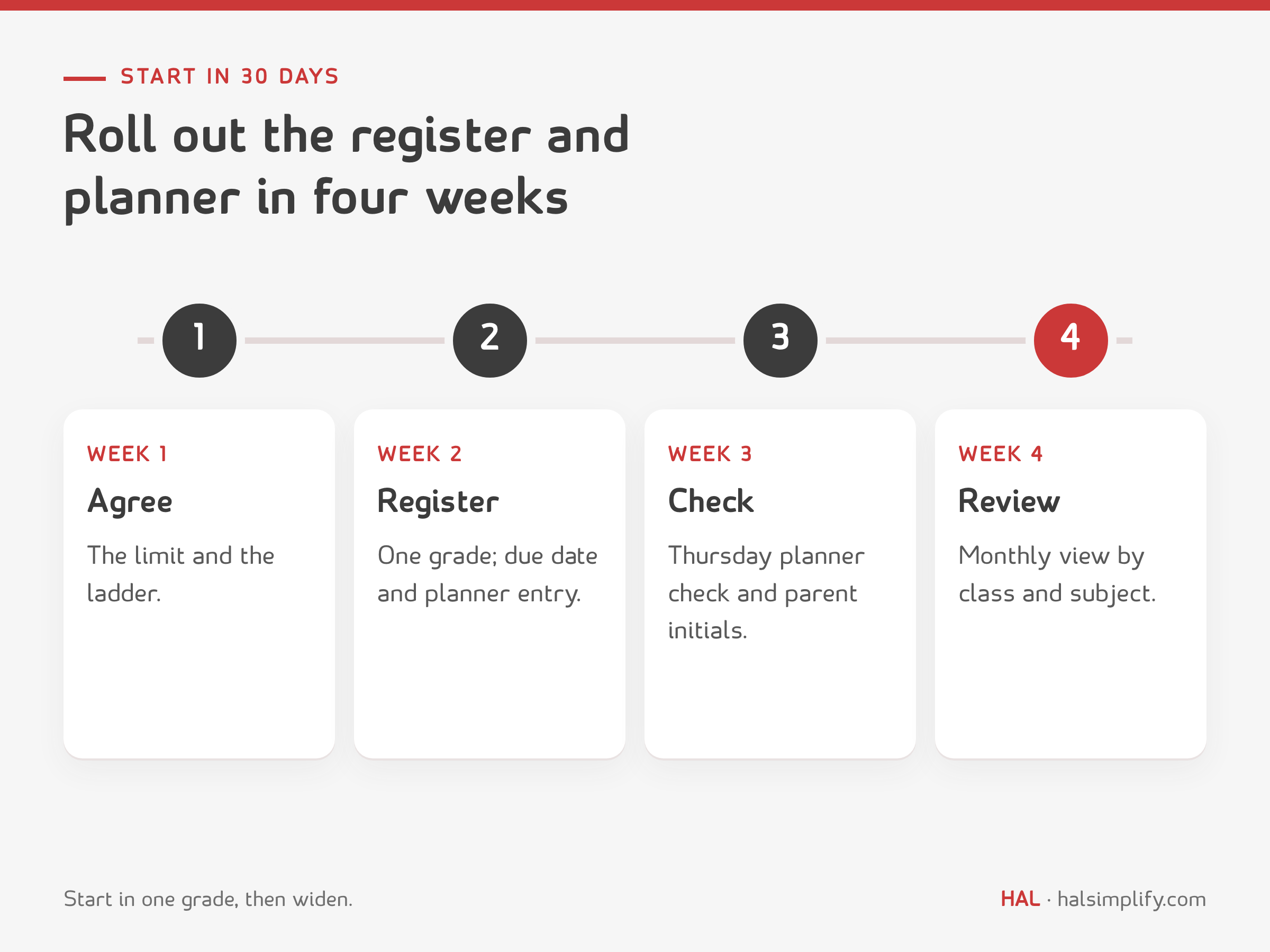
The kit has everything in this article, ready to use:
A paper register, a planner and a spreadsheet are the right place to start. As a school grows, the slow parts are chasing submissions and telling parents. When you look at software, check that it can record each assignment once with a due date, show the weekly load per class, tell parents the same day and give you the monthly view without retyping. HAL Edge, HAL's education management system for schools in Saudi Arabia, keeps admissions, student data, faculty performance, fees and school operations in one system, in Arabic and English.
A record of every assignment a class is given: the date set, the type, a one-line description, the due date and how many students did not submit. This kit keeps one register per class per week, filled by each subject teacher.
One-time pages with student details and teachers, weekly homework entries with a tick and the parent's initials, monthly records such as attendance and school events, assessment dates and portions, and optional habit trackers.
There is no universal number. This kit suggests a school limit on tasks due per class per day, three as a starting point, and a weekly view that flags any day above it. The limit is a setting you can change.
Use a short ladder: a reminder and a new due date, then a conversation with one next step and a recheck date, then parent contact through the planner. It matches the follow-up used for notebook checks.
Once a week, on a set day. This kit suggests Thursday in a Sunday to Thursday week. The check asks whether entries match the register, whether parents have initialled and whether any note from home has been answered.
Yes. The kit is a free download: a PDF guide with printable forms and an Excel tracker that counts submissions, shows the weekly workload and adds up the month by class and subject.






.jpg)