In short: The best ERP for building materials and ready-mix concrete knows the cost per cubic metre of every pour, turns delivery notes into e-invoices without re-keying, and holds a pour for a customer who is over their credit limit. Compare systems with a weighted scorecard and ask every vendor to cost one of your real pours in the demo. This guide covers what is different in this sector, a worked pour margin, five systems compared, and a free evaluation kit (PDF and Excel).
> Disclosure: HAL publishes this guide and HAL ERP is one of the systems compared; we list it first. Every other system is described from its vendor's own website as it read on 3 November 2026, with no ratings or prices of our own.
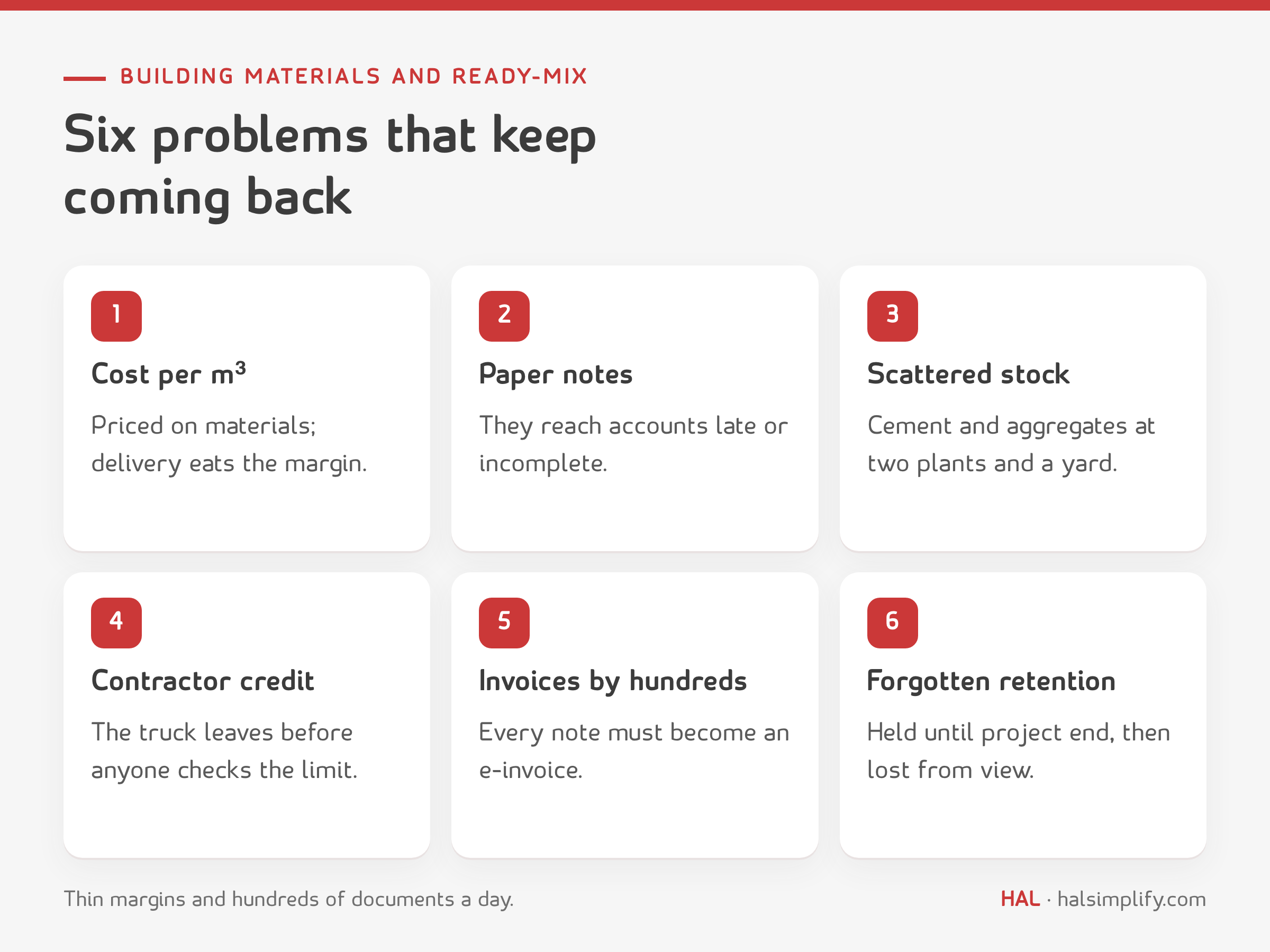
Five-thirty in the morning at a ready-mix plant south of Riyadh. The dispatcher has fourteen trucks, three contractors calling at once, and a big slab pour for a customer who has not paid the last two months' invoices. The paper delivery notes will reach accounts in two or three days, and the invoices after that. At month-end the owner asks: what did a cubic metre really cost us, and which customers do we make money on? Nobody has the answer.
Building materials traders, block factories and ready-mix plants run on thin margins and a heavy daily flow of documents. They do not need an "integrated system" in the abstract. They need one that costs every pour, checks credit before the truck leaves, and issues e-invoices at the volume they work at.
If you run a concrete plant, a block factory or a building materials trading business, most of these will sound familiar.
Start with these six capabilities, and ask a specific question about each one in the demo.
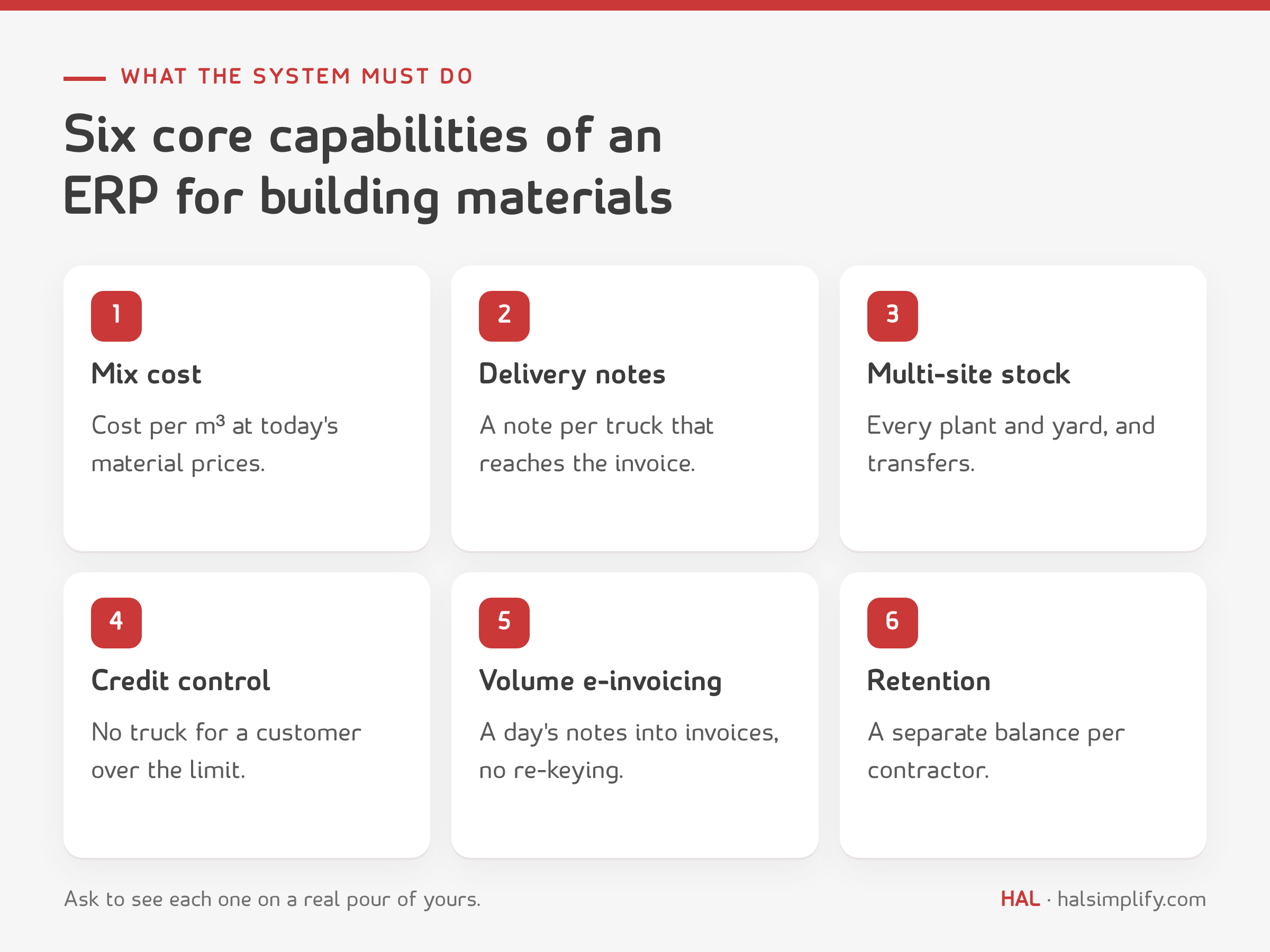
| Capability | Why it matters | Ask in the demo |
|---|---|---|
| Mix cost per cubic metre | You know the cost of each mix at today's material prices | "Show me the cost of one cubic metre of a mix I sell, then a full pour with delivery and pump" |
| Delivery notes and dispatch | Every truck has a note, and every note reaches the invoice | "Issue a delivery note per truck, then one invoice for the day's notes" |
| Multi-site stock | Cement and aggregate balances at every plant and yard | "Transfer cement from one plant to another and show me both balances" |
| Credit control | No truck leaves for a customer over their limit | "Create a pour for a customer over their limit: what happens, and who approves the exception?" |
| High-volume e-invoicing | Hundreds of invoices a month without re-keying | "How many steps to turn a full day's delivery notes into invoices?" |
| Retention tracking | Retention is a separate balance that does not get lost in receivables | "Show me retention per contractor, separate from what is due now" |
On e-invoicing: in Phase 2 (the integration phase), your e-invoicing solution must be integrated with the systems of the Zakat, Tax and Customs Authority (ZATCA), and it is rolled out in waves, with ZATCA notifying each taxpayer at least six months in advance. Ask every vendor whether they are listed in the ZATCA e-invoicing Solution Providers Directory for Phase 2, and remember that ZATCA states a listing is not an approval.
On dispatch and plant systems: many concrete plants run a batch-control or dispatch and truck-tracking system next to the ERP. Ask every vendor plainly what their system does itself, and what needs another system and an integration between the two.
Example: a ready-mix plant in Riyadh supplies 120 cubic metres for a contractor's slab at SAR 290 per m³ before VAT, plus a pump charge of SAR 1,800. The numbers and the mix design are illustrative; the method is the point.
Step 1: material cost per cubic metre.
| Material | Quantity per m³ | Price | Cost |
|---|---|---|---|
| Cement | 380 kg | SAR 300 per tonne | 114.00 |
| Coarse aggregate | 1,050 kg | SAR 45 per tonne | 47.25 |
| Sand | 750 kg | SAR 35 per tonne | 26.25 |
| Water | 170 litres | SAR 10 per m³ | 1.70 |
| Admixtures | 3.8 litres | SAR 6 per litre | 22.80 |
| Materials per m³ | 212.00 |
If you price on materials alone, your margin looks like SAR 78 per m³. That is not the margin.
Step 2: the full cost of the pour.
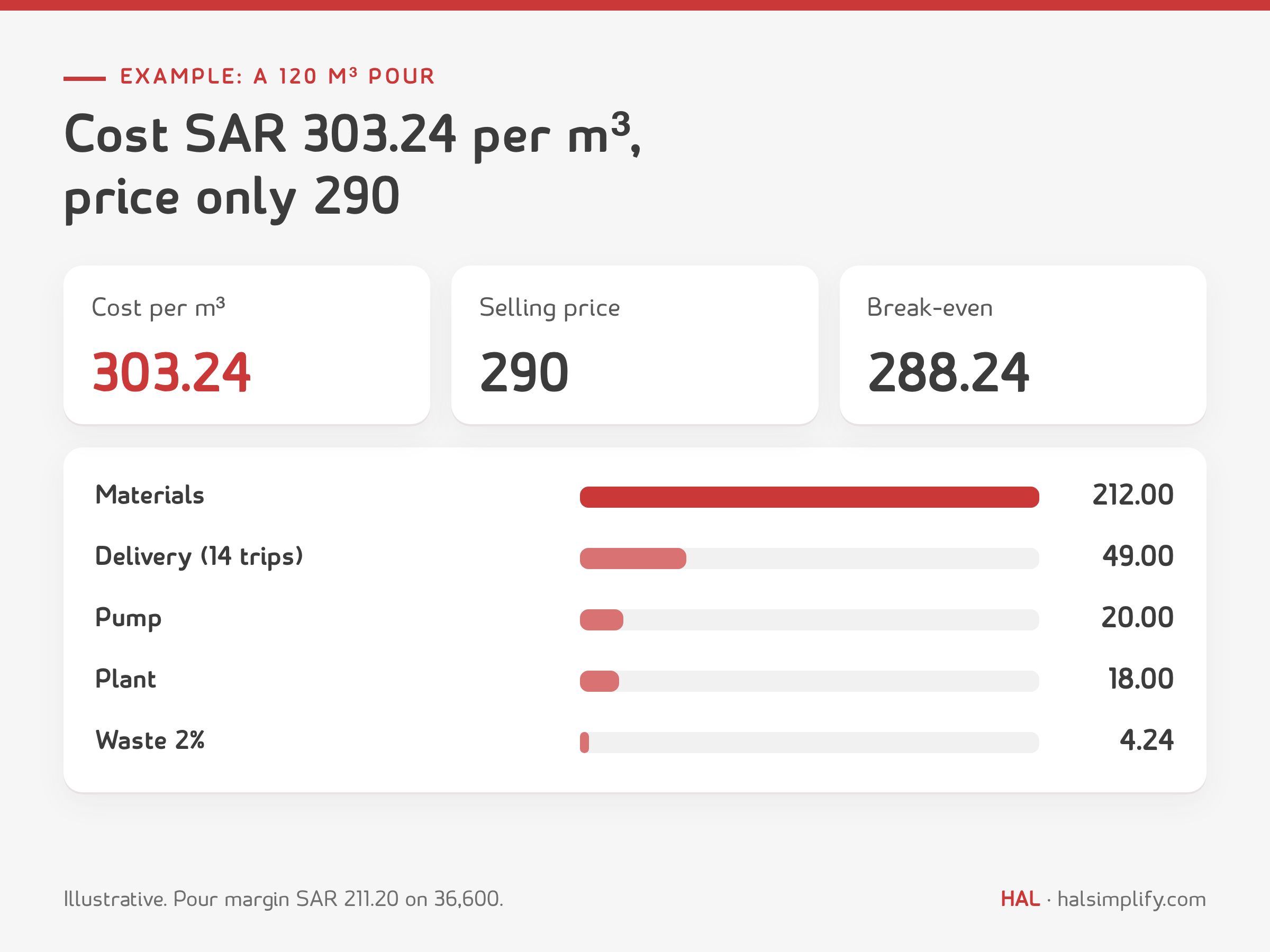
| Item | Calculation | Amount (SAR) |
|---|---|---|
| Materials | 212.00 × 120 m³ | 25,440.00 |
| Plant cost: power, operation, maintenance, testing | 18 × 120 m³ | 2,160.00 |
| Delivery: 14 trips in a 9 m³ truck | 14 × 420 | 5,880.00 |
| Pump | fixed per pour | 2,400.00 |
| Waste and returned concrete: 2% | 120 × 2% × 212 | 508.80 |
| Total pour cost | 36,388.80 | |
| Cost per m³ | 36,388.80 ÷ 120 | 303.24 |
| Revenue | 120 × 290 + 1,800 | 36,600.00 |
| Pour margin | 211.20 (0.58%) | |
| Break-even price per m³ | (36,388.80 − 1,800) ÷ 120 | 288.24 |
The result: a SAR 36,600 pour made SAR 211. Delivery and the pump alone added SAR 69 per m³ on top of materials, and the SAR 290 price was only SAR 2 above break-even. At invoicing: 36,600 + 15% VAT (5,490) = SAR 42,090.
Three lessons:
The free kit at the end of this guide includes an Excel calculator for this example, so you can enter your own mixes and trip costs. To see the same costing in a system, compare HAL ERP plans and pricing or book a demo with your own numbers.
Take the same customer: a credit limit of SAR 250,000, an outstanding balance of SAR 231,000, and a new pour worth SAR 42,090 including VAT. After the pour the balance is SAR 273,090, which is SAR 23,090 over the limit.
The decision should not fall to the dispatcher at five in the morning. Put the rule in the system:
Track retention as a separate balance for each contractor. If a contractor holds back a percentage of every invoice until the project ends, that amount is not overdue yet, but it is not cash either, and it has to be claimed on time. The credit sheet in the kit calculates each customer's status automatically. See also how to calculate accounts receivable turnover.
These five systems represent the usual options: a Saudi ERP, a ready-mix specialist, a system for building materials dealers, and two general ERPs for mid-size companies. Each is described by what its vendor says about it.
| System | Best fit | What the vendor says | Note for a Saudi buyer |
|---|---|---|---|
| HAL ERP | Saudi plants, factories and building materials traders that want inventory, sales, manufacturing, finance and e-invoicing in one system | Multi-warehouse stock, delivery notes and invoices from sales orders, work-order cost tracking, ZATCA Phase 1 and 2 e-invoicing | Saudi and bilingual, listed in the ZATCA directory for Phase 2; its pages do not describe batch control or truck tracking, so ask about integration |
| Command Alkon (COMMANDseries) | Ready-mix, aggregate and cement producers | Quote-to-cash for ready-mix, dispatch and scale ticketing, batch control, a cloud platform | A concrete specialist; ask about general accounting, payroll and Saudi e-invoicing |
| Epicor BisTrack | Building supply and lumber dealers | ERP purpose-built for building suppliers, browser-based, with cloud hosting on Microsoft Azure | Aimed at building materials trading rather than concrete production; ask about a local partner |
| Microsoft Dynamics 365 Business Central | Small and midsize businesses | Finance, sales, inventory, warehousing, and manufacturing with BOMs and production orders | A general ERP; concrete and dispatch features come from add-ons or partner customisation |
| Odoo | Companies that want to pick modules | Separate apps for manufacturing, inventory and accounting, and an open-source Community edition | Ask the partner about Phase 2 e-invoicing and concrete-specific features |
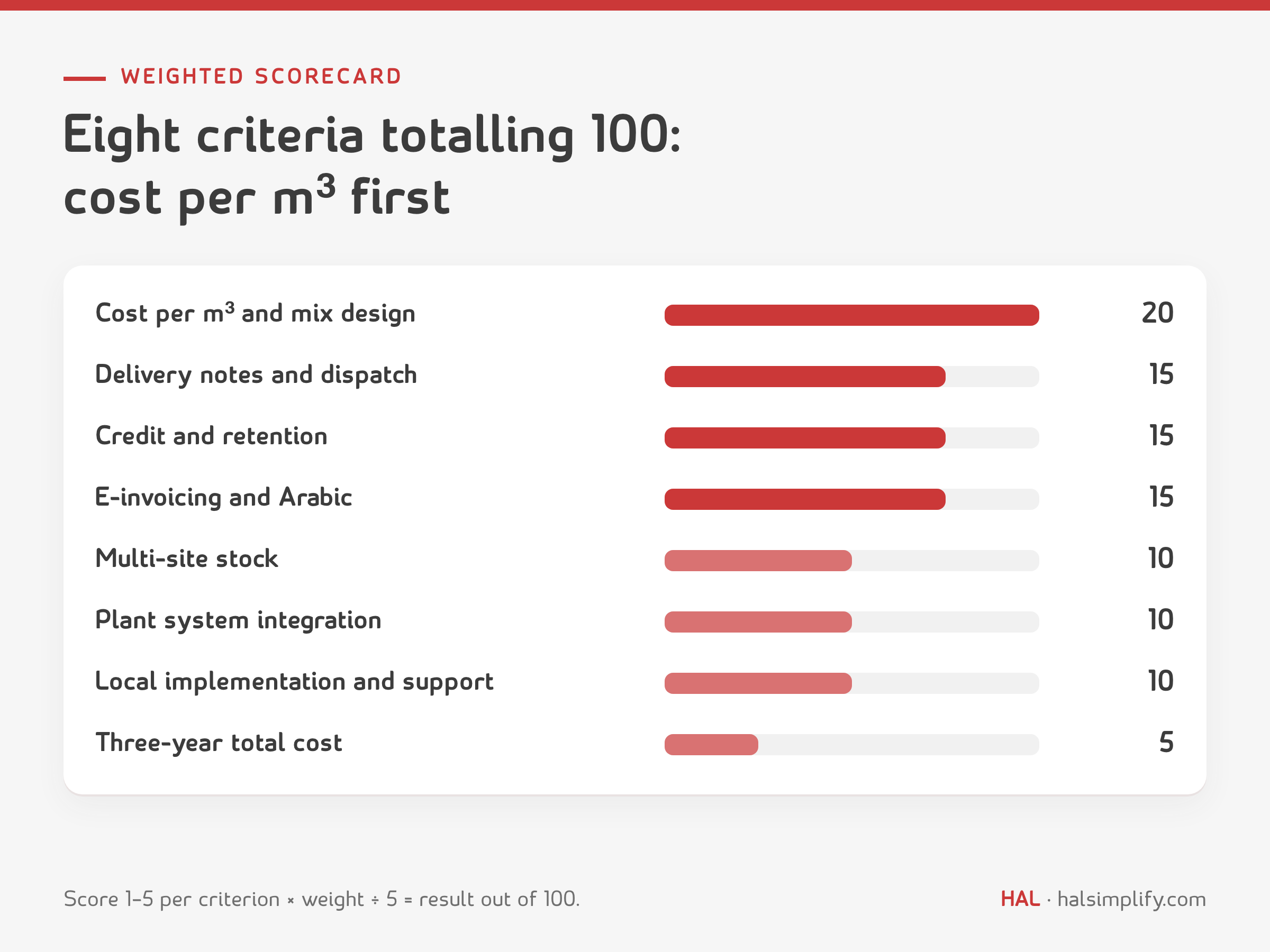
Score each system from 1 to 5 on each criterion after the demo, multiply by the weight and divide the total by 5 to get a result out of 100.
| Criterion | Weight | What to test |
|---|---|---|
| Cost per m³ and mix design | 20 | A real pour: materials, plant, delivery, pump and waste |
| Delivery notes and dispatch | 15 | From sales order to a note per truck, then the invoice |
| Credit, collections and retention | 15 | Holding an over-limit order, receivables ageing, retention |
| High-volume e-invoicing and Arabic | 15 | A full day's notes into invoices, and the ZATCA directory listing |
| Multi-site stock | 10 | Cement and aggregates at every site, and transfers between them |
| Integration with the batch and dispatch system | 10 | What is imported from the plant system, and how |
| Local implementation and support | 10 | Who implements, in how many weeks, in which language |
| Three-year total cost | 5 | Licences, implementation, training and add-ons |
The kit puts everything in this guide in a form you can use:
If your problem is that cost, credit and invoices live in different places, this is what HAL ERP offers, as described on its product pages:
HAL's pages do not describe batch control or truck tracking, so if you run systems for those, ask about integrating them in the demo.
Read also: best ERP for steel and metal fabrication and the top 12 construction ERP systems.
There is no single best system for everyone. A large plant with many trucks may need a specialist dispatch system next to its ERP, while a trader or mid-size block factory is usually well served by one ERP. What matters most is cost per cubic metre, delivery notes, credit control, Phase 2 e-invoicing and local support.
Add up the material cost of the mix per cubic metre, then add plant cost, delivery by number of trips, the pump and waste for the whole pour, and divide the total by the pour volume. In this guide's example, materials are SAR 212 per m³ and the full cost is SAR 303.24.
It is the lowest price per cubic metre at which a given pour does not lose money, after all costs and the pump charge. In the example it was SAR 288.24 against a price of 290, so any discount above SAR 2 turns the pour into a loss.
Issue the delivery note from the system for every truck, then turn a day's or a pour's notes into electronic tax invoices without re-keying. Make sure the system's provider is listed in the ZATCA directory for Phase 2.
Record it as a separate balance for each contractor, not in what is due now and not in overdue. Claim it on time under the contract, and review the balance monthly alongside receivables ageing.
Yes. The kit is a free download: a PDF guide with the scorecard and printable blanks, and an Excel workbook with the scorecard, the cost-per-cubic-metre calculator and the credit-control sheet.